

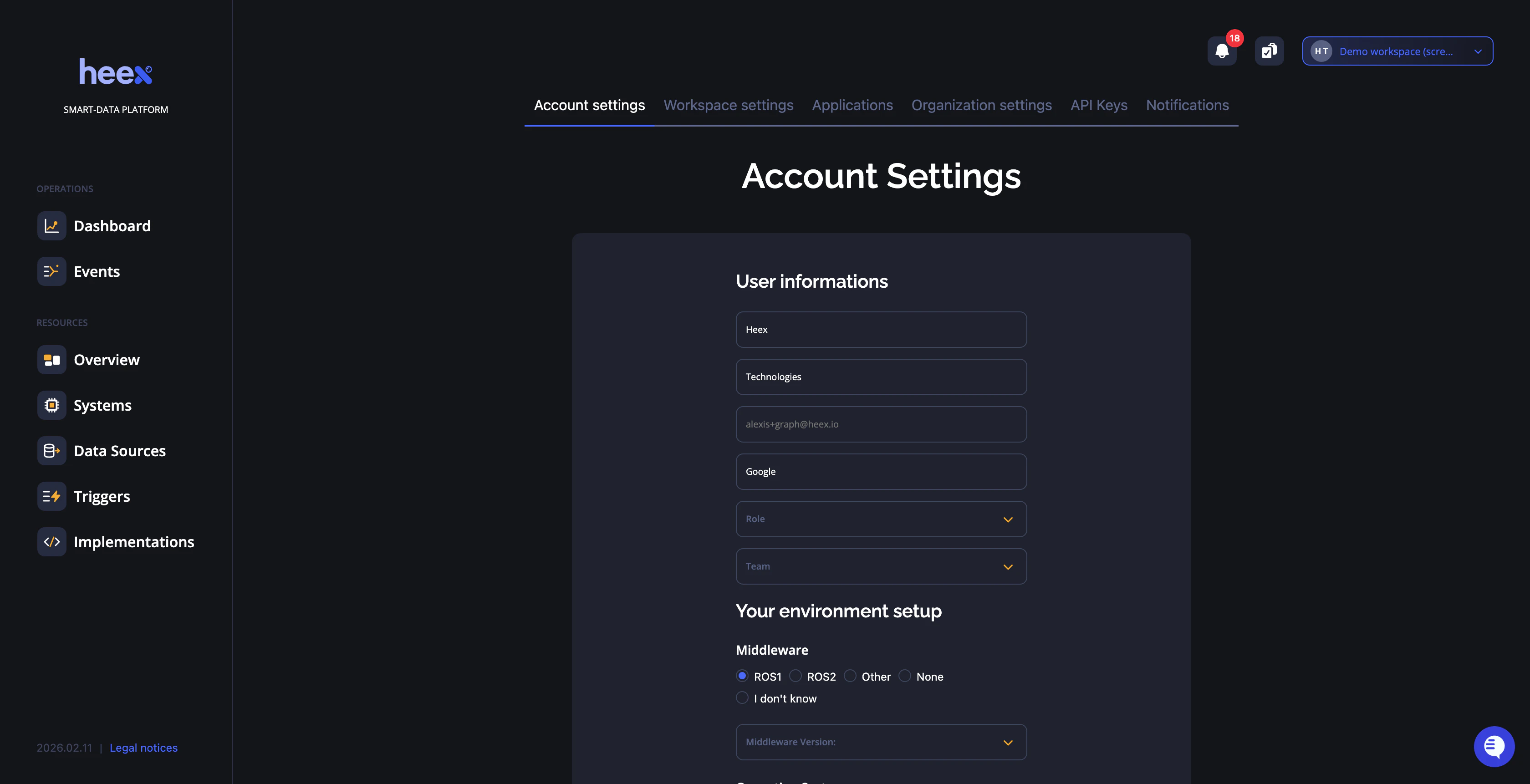
Account Information
This section enables you to view and update your personal account details. Ensure the email associated with your account is valid and accessible, as it is critical for account recovery and service-related communications.Profile Information
- Email Address - Your primary contact email for notifications and account recovery (view only)
- Display Name - Update how your name appears in the Heex interface
- Company - Update your organization or company name
- Personal Information - Edit additional profile details and preferences
Changing Your Password
Your password cannot be changed from this page. To reset your password, click Reset Password on the login page.Security Recommendations
- Use a strong, unique password for your Heex account
- Ensure your email address remains valid for important notifications
- Enable two-factor authentication if available (coming soon)
Related Pages
- API Keys - Manage API keys for programmatic access
- Workspace Settings - Configure workspace-level settings