

API Keys
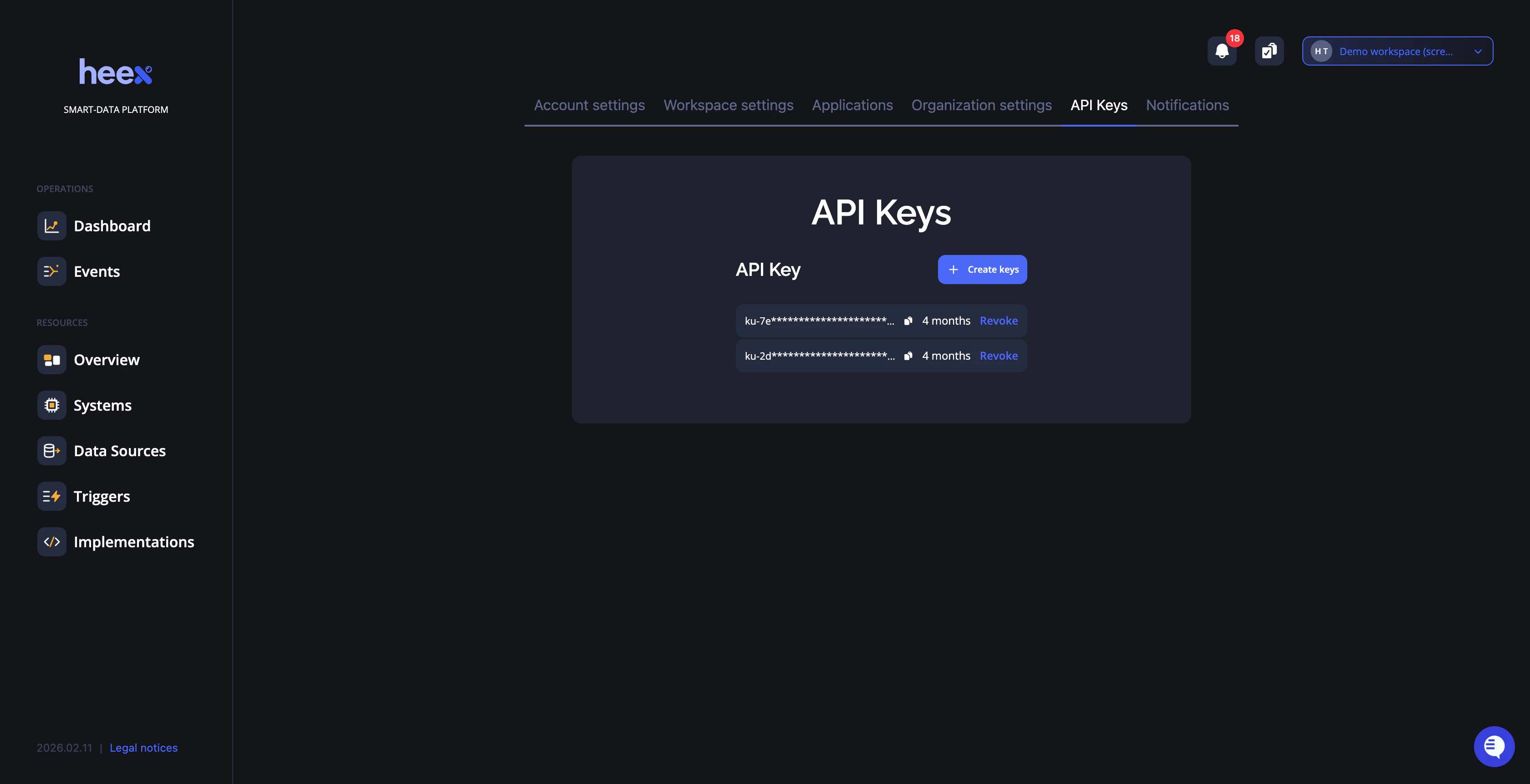
API keys are essential for programmatically accessing Heex services. Use this page to create, manage, and rotate your API keys securely.Overview
- Heex CLI - Authenticate command-line operations
- Heex Installer - Install and configure Heex on your systems
How API keys work
When you install the Heex Agent on a system, your API key is used once to authenticate and establish a secure, persistent connection between the Agent and the Heex Cloud. Once installed, the Agent operates autonomously — your key is no longer required for the system to continue running. This means:- Revoking a key never disrupts deployed systems. Agents keep running and reporting data without interruption.
- Each team member uses their own key. There is no need to share keys across the team.
Creating API Keys
In this section you can create new API keys and copy them for use with the Heex CLI or Heex Installer.Steps to Create a Key
- Open the menu and navigate to API Keys
- Click Create New API Key
- The key is automatically copied to your clipboard
💡 Tip: Never share your API key publicly. Treat it like a password and store it securely. If a key is compromised, revoke it immediately and generate a new one.
Managing Existing Keys
- View Keys - See all active keys with creation and expiry dates
- Copy Keys - Copy keys to clipboard for use
- Revoke Keys - Delete compromised or unused keys immediately
- Rotate Keys - Create new keys before old ones expire
Managing team changes
When a team member joins
Invite them to the workspace via Workspace Settings. Once they accept, they can generate their own API keys from their account. No action is needed on existing systems.When a team member leaves
Remove them from the workspace via Workspace Settings — their API keys are automatically revoked. Deployed agents are not affected. Systems continue to operate without interruption, regardless of key revocation. The only case requiring action is if their key was used directly in a script or container configuration (e.g., as theHEEX_API_KEY environment variable in a docker run command). In that case, update the variable with an active workspace member’s key before the next launch.
Security Best Practices
- One key per use case - Use separate keys for CLI access, automated scripts, and Docker containers
- Store securely - Use environment variables or a secret management tool
- Rotate regularly - Replace keys periodically, especially after team changes
- Revoke immediately - Delete keys as soon as they’re no longer needed