

Notification Rules
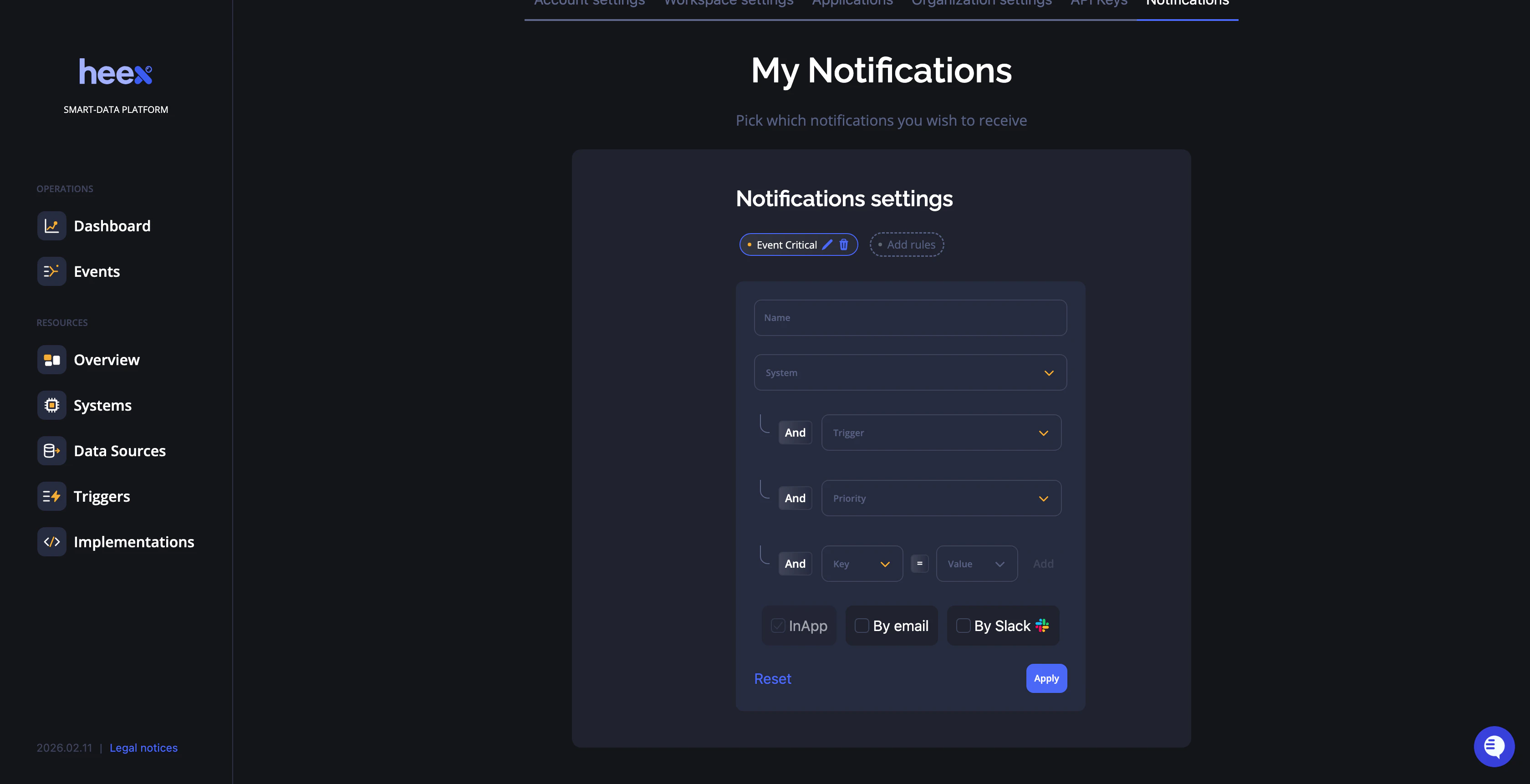
Creating a Notification Rule
- Name your rule - Give it a descriptive name (e.g., “Critical Temperature Alerts”)
-
Filter by criteria - Define which events trigger this notification:
- System - Select a specific system or leave empty for all systems
- Trigger - Choose which trigger activates the notification or leave empty for all triggers
- Priority - Filter by event priority level
- Labels - Add custom labels to refine targeting (optional, add as many as needed)
-
Choose notification channels - Select where you want to receive alerts:
- InApp - Notifications within the Heex platform
- By email - Email notifications to your registered address
- By Slack - Direct messages in your connected Slack workspace
Empty fields act as wildcards. For example, leaving “System” empty will apply the rule to all systems in your workspace.
Managing Rules
- Edit - Modify rule parameters at any time
- Delete - Remove rules you no longer need
- Rules are applied in real-time once saved
Connected Applications
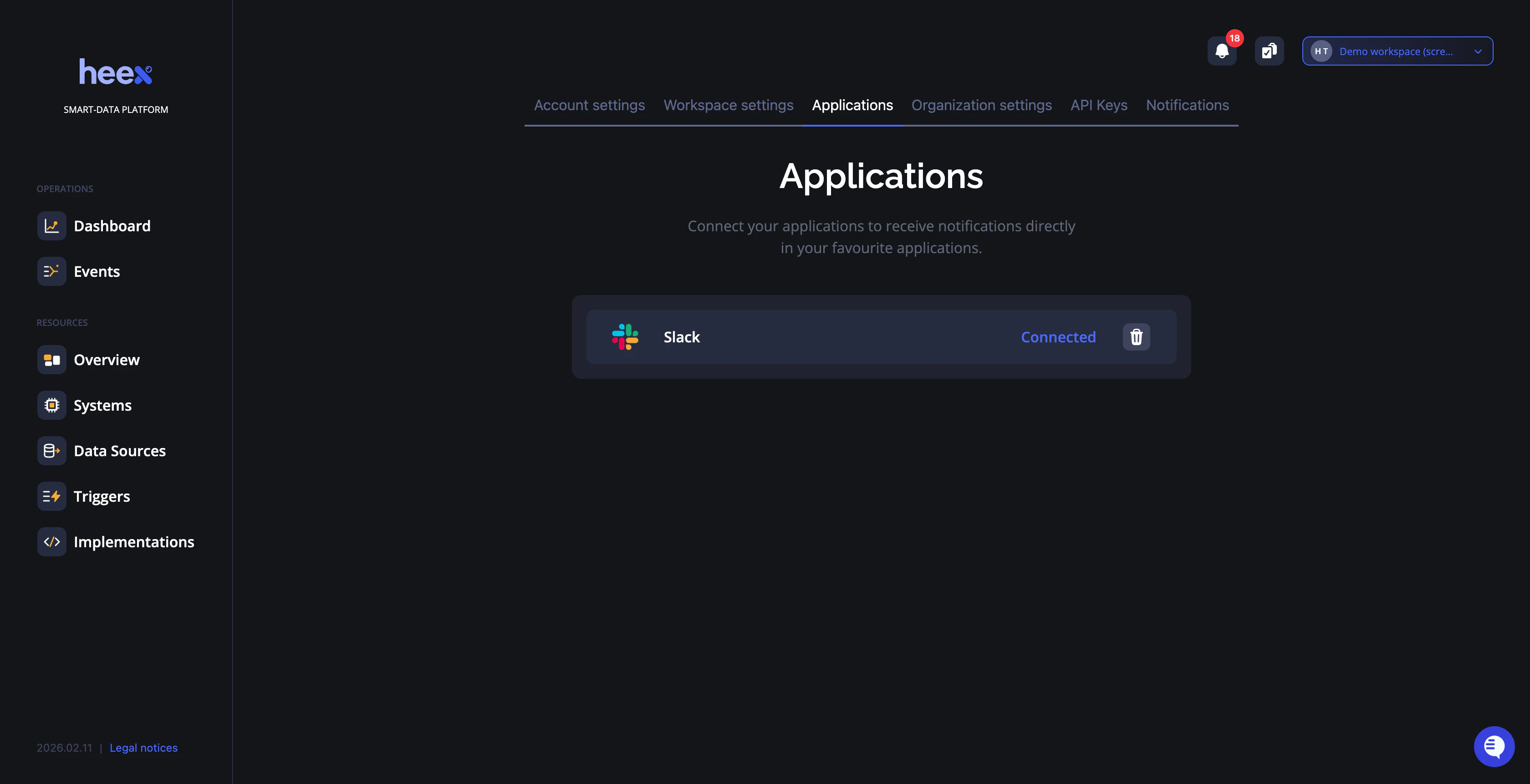
Available Applications
- Slack - Send notifications to Slack channels or direct messages
- More integrations coming soon
Connecting an Application
- Click Connect next to the application you want to add
- Authenticate with the application (e.g., sign in to Slack)
- Grant Heex permission to send notifications
- Configure destination channels (Slack channel, email address, etc.)
Disconnecting an Application
To disconnect an application:- Click Delete next to the connected application
- Confirm the disconnection
- Update your notification rules to use alternative channels
Best Practices
- Use specific rules for critical alerts - Configure high-priority events with multiple notification channels
- Filter by labels - Use labels to create granular rules for specific subsystems or test environments
- Test your rules - Create a test notification rule and verify it works before deploying to production
- Keep applications connected - Regularly check that your connected applications are active to ensure notifications are delivered